June 4, 2015

Home Network โฮมเน็ตเวิร์ก

What/How About Our Home Network is?


         by    Phaitoon  Yaemprasuan          

             Special Experienced Teacher
             
Information and Communication Technology Strand      
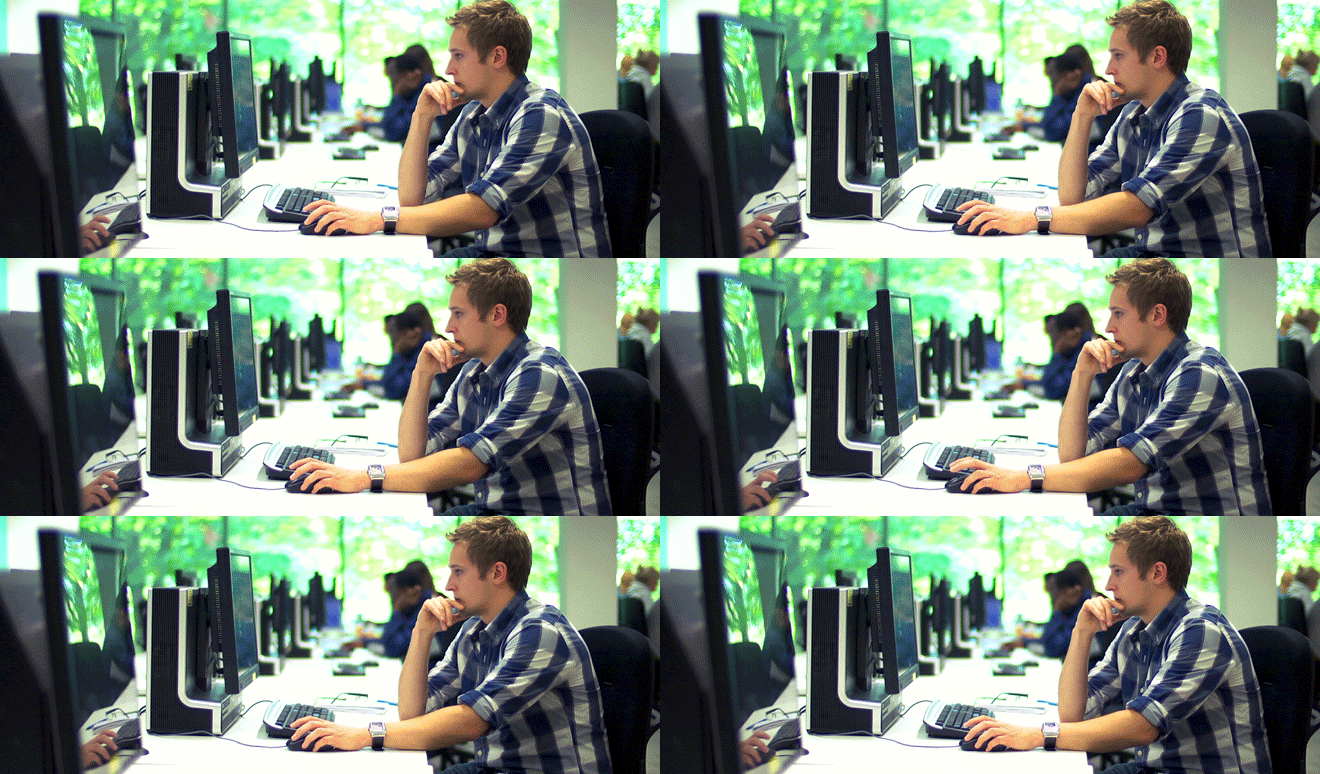


Live photos

I have known from students of my computer classes that the Internet connection at their homes is of TOT provider. Yes, my internet service provider (ISP) is TOT too. What/how is my home network?  The modem-router is the main device of the network because it plays many roles as of the followings : -
   1) to simulate itself like a server computer
   2) to act as a hub/switch of the wired connection
   3) to be an access point sending packets of the wireless connection
   4) to play as an ADSL modem connecting Internet
   5) to be a router managing the how-to connect to other devices
ครูทราบจากนักเรียนหลายคนที่เรียนวิชาคอมพิวเตอร์กับครูว่า ที่บ้านของพวกเขามีการเชื่อมต่ออินเทอร์เน็ตผ่านผู้ให้บริการอินเทอร์เน็ต ทศท.(TOT) ซึ่งที่บ้านครูก็ใช้บริการของ ทศท.เหมือนกัน  แล้วระบบเครือข่ายที่บ้านเราจะเป็นแบบไหน?  อุปกรณ์หลักก็คือ โมเด็ม-เราเตอร์ (modem-router) ซึ่งอุปกรณ์นี้จะทำหน้าที่หลายบทบาทด้วยกัน คือ
   1) จำลองตัวเองเป็น server computer
   2) เป็น hub/switch ของการเชื่อมต่อแบบใช้สาย
   3) เป็น access point ทำหน้าที่ส่งแพ็คเก็ตส์ในระบบเครือข่ายไร้สาย
   4) เป็น ADSL modem เชื่อมต่อ Internet
   5) เป็น router บริหารจัดการเชื่อมต่อกับอุปกรณ์/คอมพิวเตอร์อื่นในเครือข่าย

NB : Now (2015) Teacher does not use the TOT service anymore. His ISP today is 3BB. Its Internet connection speed is acceptable.
หมายเหตุ  ตอนนี้ ครูผู้สอนไม่ได้ใช้บริการของ ทีโอที แล้วล่ะ  .. หันไปคบหากับ 3ฺฺBB แทน .. ความเร็วการเชื่อมต่ออินเทอร์เน็ตตอนนี้ของครู ก็อยู่ในเกณฑ์ยอมรับได้.. 

June 1, 2015

Computer Network

 เครือข่ายคอมพิวเตอร์
                                           

         by    Phaitoon  Yaemprasuan          

             Special Experienced Teacher
             
Information and Communication Technology Strand     


1. What's about a computer network?
2. Home Network.
3. Internet Connection.
4. Folder/Printer sharing.


What is Computer Network? Why?
เครือข่ายคอมพิวเตอร์คืออะไร? ทำไม?

Live photos

If any computer is not connected to others it is called "a stand-alone machine". ถ้าหากคอมพิวเตอร์เครื่องไหนไม่ได้เชื่อมต่อกับใคร มันจะถูกเรียกว่า "เครื่องที่โดดเดี่ยว"
 
Today if anyone uses any stand-alone machine , he must be considered a stranger because the world today is of computer networks.  และถ้ามีคนใช้ เครื่องคอมพิวเตอร์แบบนั้น ก็จะถูกมองว่าเพี้ยนหรือเปล่า?  เพราะโลกทุกวันนี้ได้กลายเป็นโลกของเครือข่ายคอมพิวเตอร์ไปเรียบร้อยแล้ว 

May 17, 2015

Internet Connection Problems


  ปัญหาการเชื่อมต่ออินเทอร์เน็ต
                                           

         by    Phaitoon  Yaemprasuan          

             Special Experienced Teacher
             
Information and Communication Technology Strand      


1. What's about a computer network?
2. Home Network.
3. Internet Connection.
4. Folder/Printer sharing.


Sometimes the problems caused by unintentional human errors
บางทีนะ  ปัญหาก็เกิดจากความผิดพลาดที่ไม่เจตนาของคนเราเองนี่แหละ

May 16, 2015

Folder and Printer Sharing

 การแชร์โฟลเดอร์/เครื่องพิมพ์


         by    Phaitoon  Yaemprasuan          

             Special Experienced Teacher
             
Information and Communication Technology Strand     


1. What's about a computer network?
2. Home Network.
3. Internet Connection.
4. Folder/Printer sharing.


The Atmosphere of My 2003 Computer Class at 4th Floor of Building1.
They were energetic and very nice schoolkids I have ever experienced.

บรรยากาศห้องเรียนคอมพิวเตอร์  2546 สมัยยังอยู่ชั้น 4  อาคาร 1
พวกเขาเป็นเด็กนักเรียนที่ขยันขันแข็ง ตั้งใจเรียน และเป็นเด็กดีมากที่สุดรุ่นหนึ่งเท่าที่ครูเคยเจอ


May 13, 2015

M2 ICT

What/How to Study?

 เราจะเรียนอะไร/อย่างไร

     by  Teacher  Phaitoon  Yaemprasuan   
              
            Occupation and Technology Group

                       
Before we go for it, the ICT core course of Mattayom 2 (Grade 8) :  O22101 Occupation and Technology, we should know about its background.  Yes, what to be known is the Basic Education Core Curriculum B.E. 2551. The curriculum is the guide star that helps us what/how to manage the course and the class.  Because this is the core course , so the grade level indicators are what we have to follow.  There are four indicators (or learning outcomes).
                                                             
ก่อนที่นักเรียนจะเรียนวิชาคอมพิวเตอร์ (เทคโนโลยีสารสนเทศ) ในชั้นมัธยมศึกษาปีที่ 2 (เทียบได้กับ grade 8 ของสากล)  อยากให้เราลองมาทำความเข้าใจกับหลักสูตรที่เราใช้เป็นแนวในการจัดการเรียนการสอนกันเสียก่อน  ในที่นี้จะให้นักเรียนดูทั้งสองภาษาเลย   


Former Kanchanapisek students (academic year 2005) : the best ever kids I have known.